Connecting in Claude Code for VS Code
-
Install the Claude Code for VS Code extension from the extension marketplace

-
In the extension settings, enable the Disable Login Prompt option (
true)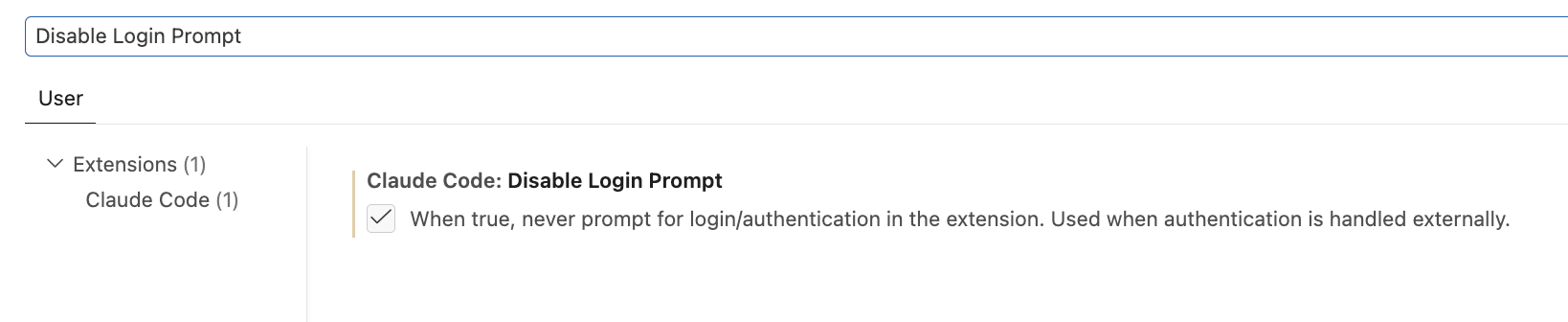
-
Open or create the file
~/.claude/settings.json, where~is your home directory -
Fill it with the contents below
~/.claude/settings.json{
"env": {
"ANTHROPIC_BASE_URL": "https://api.explyt.ai/openai/api",
"ANTHROPIC_API_KEY": "<YOUR_API_KEY>",
"CLAUDE_CODE_ENABLE_GATEWAY_MODEL_DISCOVERY": 1
}
}ANTHROPIC_BASE_URL— the OpenAI-compatible URLhttps://api.explyt.ai/openai/api; it is the same for all users- Replace
<YOUR_API_KEY>with the API key from your personal account. The key is in the Connect to Explyt block of your personal account, the Copy key button. Details: where to get the URL and key - Optional: add the line
"CLAUDE_CODE_AUTO_COMPACT_WINDOW": Xto theenvblock — it enables automatic compaction when the context fills up toXtokens. ReplaceXwith the value you need
-
Start Claude Code in VS Code. If the extension asks whether to use this API key, confirm
- If you see the error
API Error: 401 Unknown API key: ..., reissue the key in your personal account (the Reissue link in the Connect to Explyt block) and paste the new one intosettings.json
- If you see the error
-
To choose a model, use
/model. Explyt supports only the models markedFrom gateway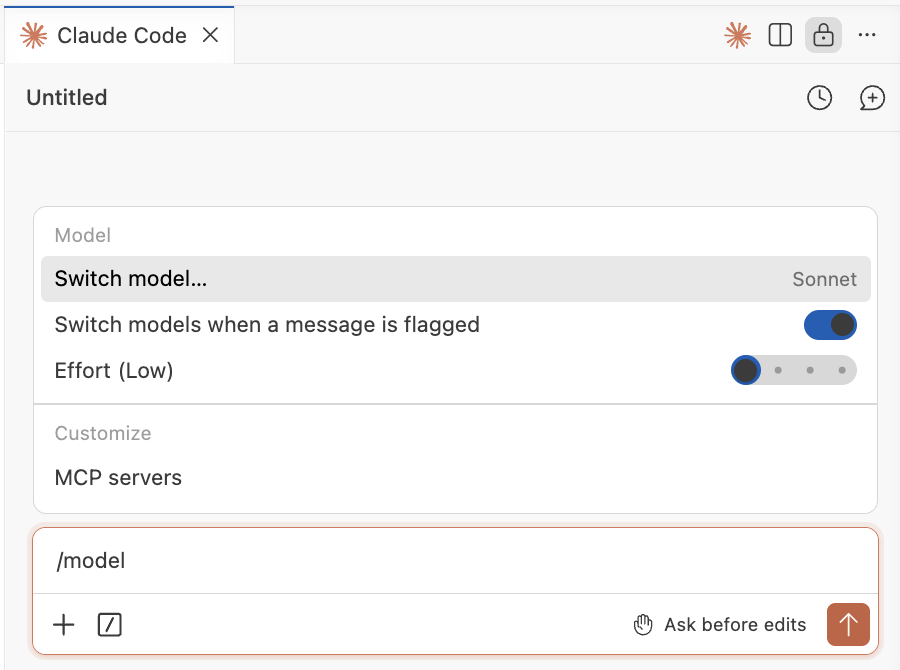
auto– automatic model selection: high quality with maximum availabilityAnthropic/opus-5– Anthropic model with high-quality answersAnthropic/sonnet-5– balance of quality and speed among Anthropic modelsOpenAI/gpt-5.6-sol– general-purpose OpenAI model
Full list of models:
https://api.explyt.ai/openai/api/models
If you run into problems while connecting, check that Disable Login Prompt is enabled,
then try typing /logout in the chat and start over.
Requests from Claude Code spend Explyt subscription minutes the same way as requests from the plugin. The balance is shown in your personal account.
For errors, see Error messages.