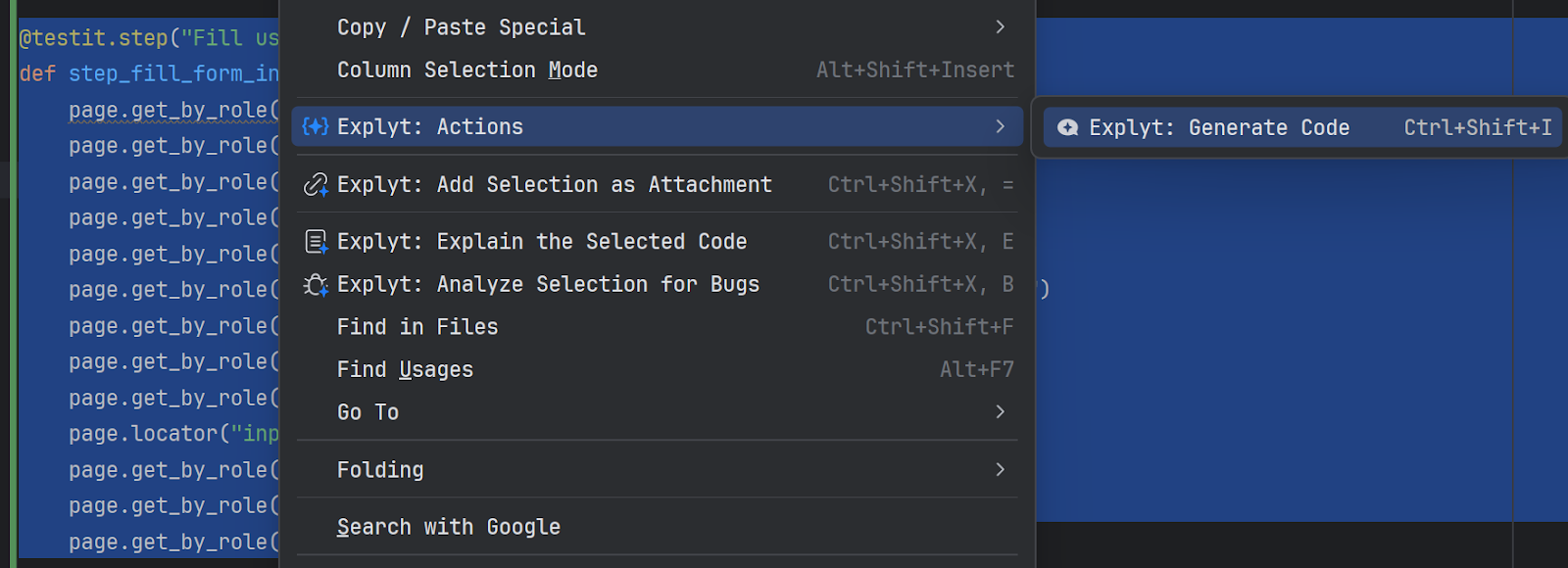
Inline code generation in the editor
Use inline generation for a small local edit, when you have already found the fragment you need and there is no reason to discuss the task in a separate chat. For example, you can rewrite a condition, simplify a method, or add handling for an edge case. To explore the project or make changes across several files, use the agent chat.
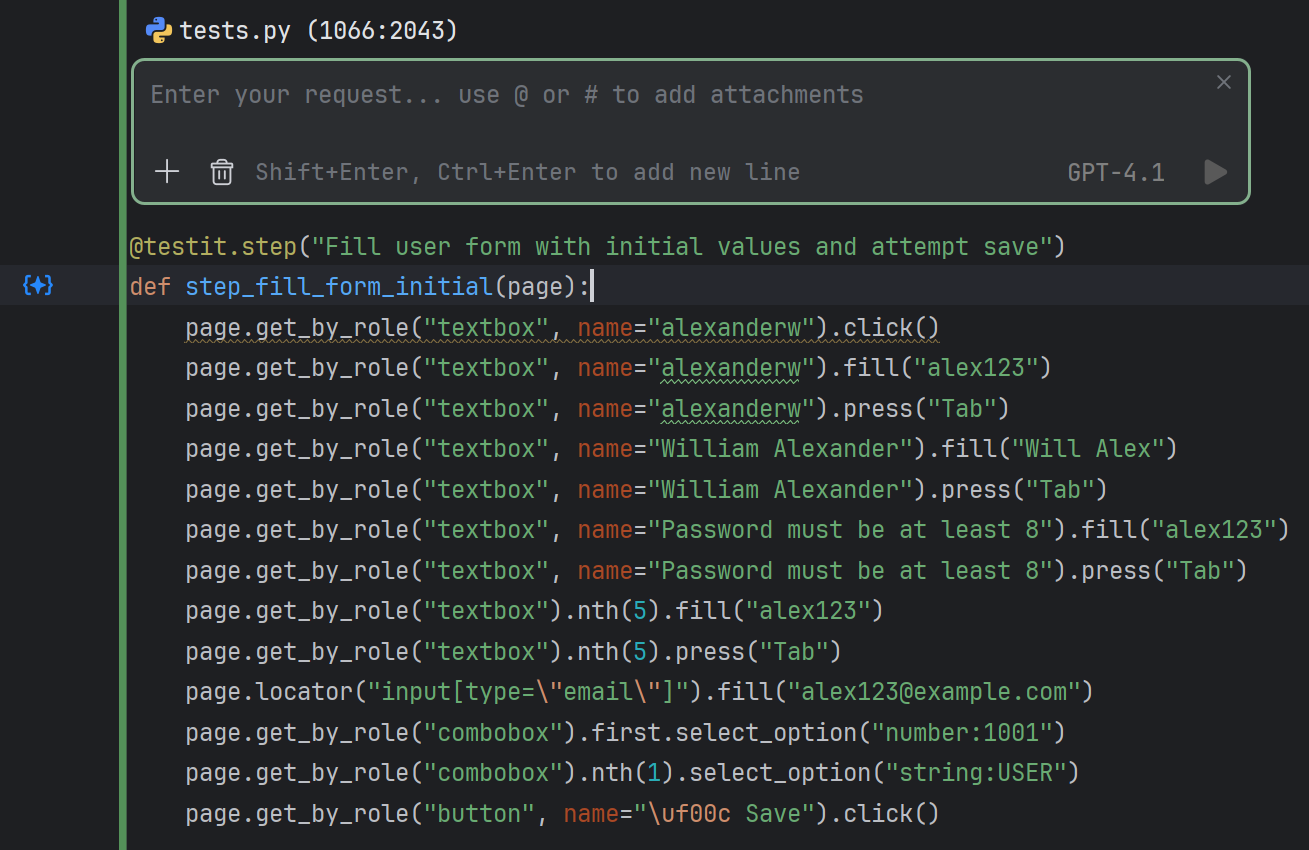
To change code:
- Select the fragment in the editor.
- Right-click and choose Explyt: Generate Code. Instead of the menu, you can press
Ctrl+Shift+I. - Describe the edit and send the request with the Ask button.
Explyt attaches the selected fragment to the request and opens its execution in a new chat.