Simple interface mode
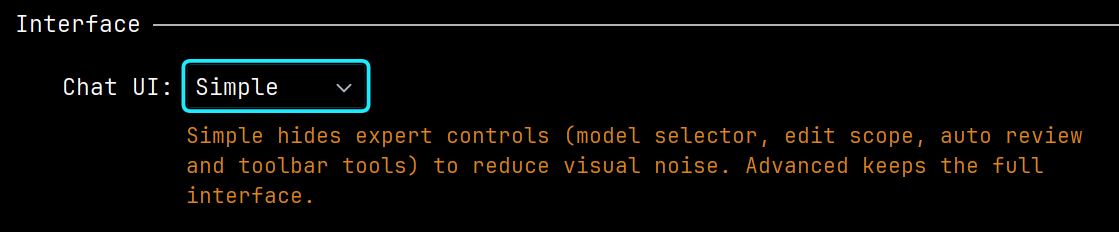
Simple mode hides the extended top bar, Edit Scope, the input field height lock, and other Advanced settings. The agent selector, attachments, the input field, model and context details, the queue, and the core chat actions stay available where applicable.
Message action buttons appear on hover. If you need the full set of tools, switch to Advanced in the chat settings.
Use Simple mode if you are new to Explyt or keep the chat in a narrow window.