Fix a flaky test
A flaky test sometimes passes and sometimes fails without any changes to the code, the tests, or the environment. Explyt helps you reproduce the divergence, find the problematic place, and gather the data you need for a fix.
When to use it
- the test fails intermittently in CI or on a local run;
- the test passes on its own but not together with others;
- the result depends on the order or the timing of the run;
- you suspect a data race, an external service, a database, or insufficient test isolation.
What to prepare
- a flaky test you can run locally;
- a working test configuration;
- enough time for repeated runs: reproducing the issue means running the test several times.
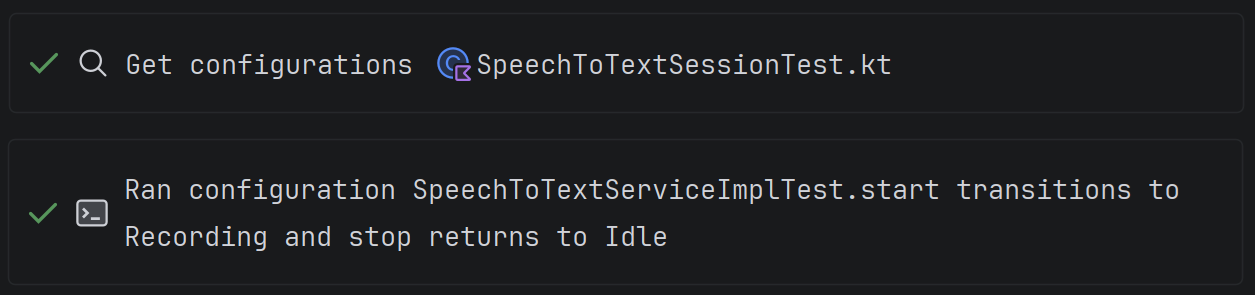
To reproduce flakiness you need a working local test configuration.
How to find and fix the cause
- Click the Explyt icon next to the test and select Explyt: Analyze If Flaky.
- Wait while the test and the other tests in its class are rerun.
- If the divergence reproduces, open the problematic statement it points to and the call stack.
- Continue the analysis with the agent: Explyt passes it the collected data so it can explain the likely cause and propose a solution.
- Check whether the cause lies in the test, in production code, in an external service, or in the shared test environment.
- Fix the code or the test. If the problematic component is outside your area of responsibility, pass the collected data to its owner.
- Rerun the analysis on the same test.
If the repeated runs did not reproduce the failure, that does not yet prove the test is stable. Use the collected data and the information from CI to continue investigating the cause.
How to verify the result
- run the flaky test analysis again;
- run the test on its own and together with the tests in the same class;
- make sure the fix has not weakened the test's assertions;
- review the changes in Agent Changes.
Definition of done
The test counts as fixed when repeated runs no longer reproduce the divergence, it passes both on its own and as part of the related suite, and the cause of the flakiness has been removed rather than hidden behind extra retries.
Limitations
Detecting flakiness requires several runs, so the check can take a noticeable amount of time. The number of runs shown in the UI is an estimate. If the problem depends on an external system or a rare environment state, local analysis may not reproduce it right away.