Add tests
Use Test mode to generate and refine tests. First decide which behavior the test should lock in.
-
Attach the class or method under test and one or two existing tests as a style reference. State the scenarios and the expected results.
-
Ask the agent to find the right test class, the framework in use, and an available run configuration.
-
Limit the scope to the source file and the test files you need. If the test captures a bug you found, first make sure it fails against the old implementation.
-
Ask the agent to create a minimal set of tests for the stated scenarios and to run the narrowest test configuration.
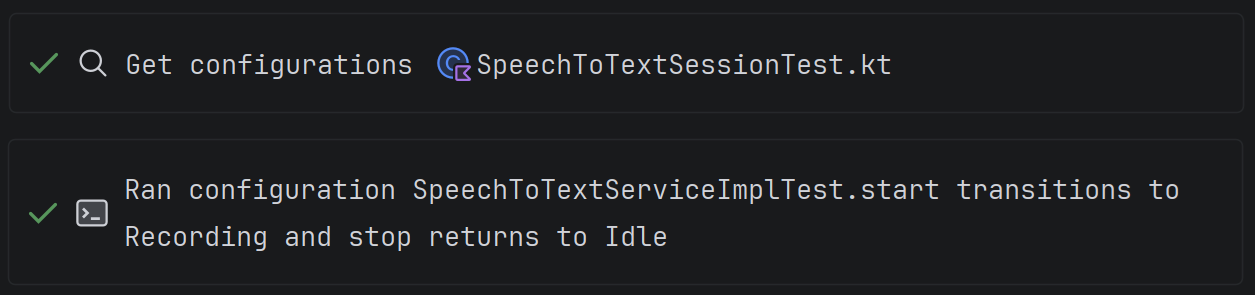
Run tests through a configured IDE run configuration so that the project environment is used.
-
Check that the tests contain meaningful assertions and fail when the behavior in question is broken, rather than just executing the code without errors.
-
If you need to close specific uncovered branches, use coverage increase. For Java and Kotlin, a test can be produced from a recorded execution.
-
Review the tests and the run result in Agent Changes. Do not accept changes based on the coverage percentage alone.
Example prompt:
Add tests for a successful response, a missing record, and a dependency failure.
Follow the style of the existing test class, and do not change production code
without a separate justification. Run the tests through the IDE configuration
and report which scenarios passed.