Increase test coverage
Use this scenario when you need to close uncovered lines and branches, lock in the current behavior of legacy code, or meet the coverage threshold set in your project.
When to use it
- before refactoring complex code;
- when handing legacy code over for maintenance;
- when the project fails a coverage quality gate;
- when the existing tests cover the main scenarios but leave some branches unchecked.
What to prepare
- the class or method whose coverage you want to increase;
- the existing tests, if there are any;
- a working test run configuration;
- the target coverage level, if your project sets one.
How to increase coverage
- Open the class or method you need.
- Click the Explyt icon next to it and select Explyt: Analyze and Increase Test Coverage.
- Wait while the tests it found are run and the current coverage is measured.
- Review the uncovered lines and branches. Make sure they really do need separate scenarios.
- Start the coverage increase.
- Explyt adds tests, runs them, and shows the new coverage result.
- If the target level is not reached, repeat the analysis for the remaining uncovered branches.
- Review the generated tests and keep only those that check meaningful behavior.
How to verify the result
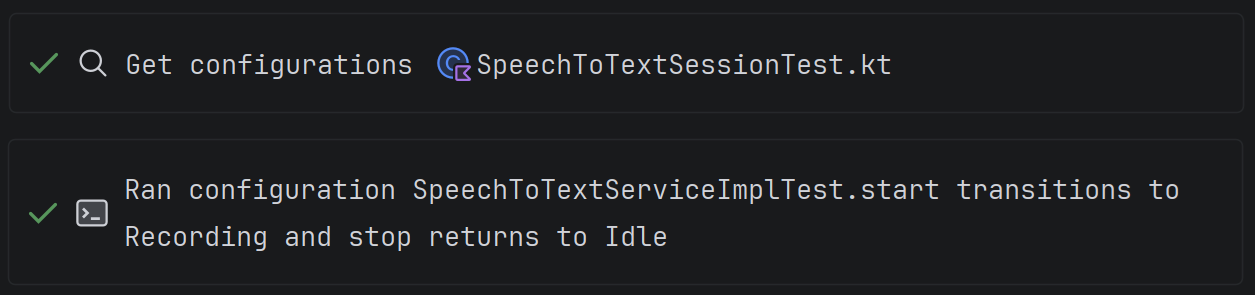
Rerunning through the IDE helps you check the new tests and compare coverage.
- compare line and branch coverage before and after the changes;
- run the whole related test suite;
- check that the new tests contain substantive assertions;
- make sure the tests pass reproducibly;
- review the changes in Agent Changes.
A rising percentage is not enough on its own: the new tests must capture useful behavior and detect when it breaks.
Definition of done
The scenario is complete when the required coverage level is reached, or it is justified why the remaining lines should not be covered, and all new and existing related tests pass.
Limitations
Running tests with coverage measurement can take longer than a normal run. Availability of the feature depends on the IDE and the language, so check the feature matrix before you start.