Simple interface mode
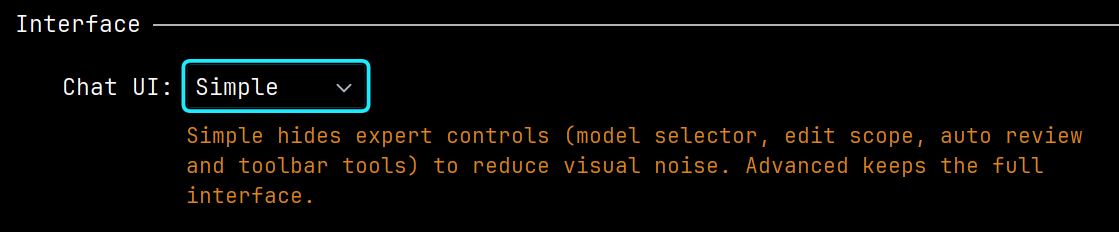
Simple mode leaves only the basic chat controls: the agent selector, the input field, and the send button. Extra panels and settings stay hidden so the chat takes less attention.
Message action buttons appear on hover. If you need the full set of tools, switch back to Advanced in chat settings.
Use Simple mode if you are new to Explyt or keep the chat in a narrow window.