IDE Run Configurations
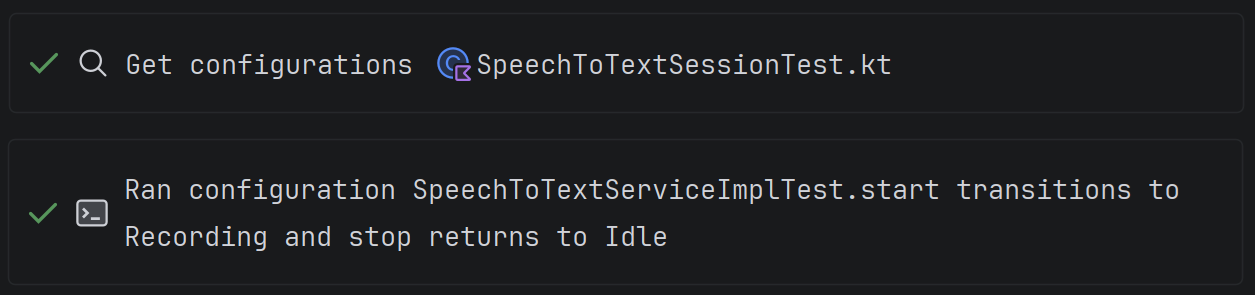
The agent can find and run project configurations — tests, builds, applications — through the IDE.
Get Configuration
The tool allows the agent to get a list of available configurations for a file, package, or the entire project (including Gradle/Maven tasks and custom configurations).
Run Configuration
The tool runs the selected configuration and returns the result to the agent — console output, test results, compilation errors.
Advantages Over the Terminal
This is more efficient than building or running a project via the terminal, which is what all AI tools rely on:
- it saves token consumption (the model receives a structured run result);
- it uses the SDK configured in the project.
Supported IDEs
- Java-based IDEs (IDEA, Android Studio, etc.)
- PyCharm
When It's Useful
- You ask the agent to write code and want it to run the tests itself to make sure everything works.
- You need to build the project and analyze build errors without switching to the terminal.