Chat compression
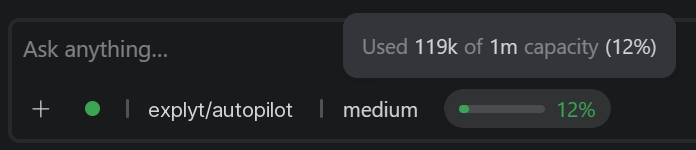
In a long chat, the model's context window gradually fills up. You can see how full it is on the context indicator under the prompt field. The fuller the context, the more each request costs and the worse the model remembers details.
The Explyt agent
- Automatically. When the context approaches its limit, the agent compresses the history on its own: it replaces the older part of the conversation with a short summary and keeps working.
- Manually. Send
/compact, for example before moving to a new part of the task. - To turn automatic compression on or off, use the
/autocompactcommand.
Other agents
Claude Code, Codex and other agents compress the context by their own rules. Claude Code has its own /compact command. The agent's command list appears after you type /.
When to start a new chat instead
If the task has changed, a new chat is usually better than compression: the agent starts with a clean context and takes persistent project knowledge from AGENTS.md and rules.