Skills
A skill is a directory with a SKILL.md file that describes a repeatable procedure: how to check migrations, analyze a stack trace, prepare a release. Unlike a rule, a skill is not always applied — only when the agent decides it is needed or when you call it by name.
Where the Explyt agent's skills live
<project>/.explyt/skills/<name>/SKILL.md— project skills;~/.explyt/skills/<name>/SKILL.md— personal skills for all projects.
The agent also reads skills of other tools: .claude/skills, .agents/skills, .cursor/skills and others. Skills of the legacy Explyt plugin in .explyt/skills are picked up as is.
The SKILL.md format, built-in skills and disabling skills are described on the Explyt CLI Skills page.
A minimal skill, <project>/.explyt/skills/release-notes/SKILL.md:
---
name: release-notes
description: Prepares release notes from merged PRs
---
Collect the PRs merged since the last tag, group them by change type,
and output the list as Markdown.
name and description are required; name uses lowercase letters a–z, digits, and hyphens, up to 64 characters.
How to call a skill
- Type
/in the prompt field and choose the skill from the list. - Or describe the task — the agent applies a suitable skill on its own.
The Explyt agent's built-in skills are available without setup: code-review-orchestrated for review and debug-root-cause for finding the cause of a bug. See Built-in skills.
How to create a skill
Ask the agent: "Create a skill for checking DB migrations: the steps are …". It creates SKILL.md in the right place. The new skill appears in a new chat.
How to check which skills the agent sees
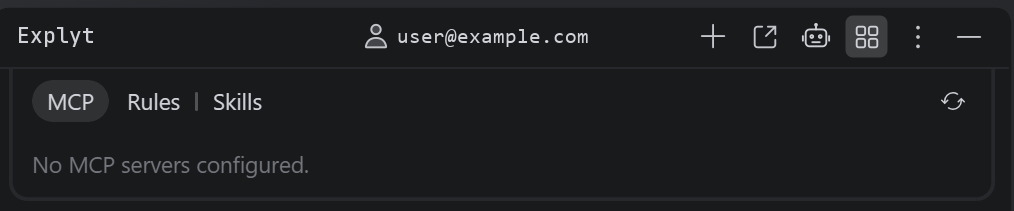
Open Agent context → the Skills tab: it shows the name, description and location of each skill, and Open in editor opens the file.
Claude Code and Codex read skills from their own directories (.claude/skills, .agents/skills, .codex/skills).