Connecting in OpenCode
-
Install OpenCode
-
Create the file
opencode.jsonin the project root and fill it with the contents belowopencode.json{
"$schema": "https://opencode.ai/config.json",
"provider": {
"explyt": {
"npm": "@ai-sdk/openai-compatible",
"name": "explyt",
"options": {
"baseURL": "<YOUR_URL>"
},
"models": {
"auto": {
"limit": {
"context": 372000,
"output": 32768
}
},
"Anthropic/opus-5": {
"limit": {
"context": 465536,
"output": 65536
}
},
"OpenAI/gpt-5.6-sol": {
"limit": {
"context": 372000,
"output": 32768
}
}
}
}
}
}- Replace
<YOUR_URL>with the OpenAI-compatible URL issued to you- If you see these instructions but do not have an OpenAI-compatible URL, contact your organization's administrator
- The
modelsblock lists the main recommended models. To get the full list of models, contact your organization's administrator or open<YOUR_URL>/models - To use another model, add it to the
modelsblock following the same pattern
- Replace
-
Start OpenCode:
opencode -
Type
/connect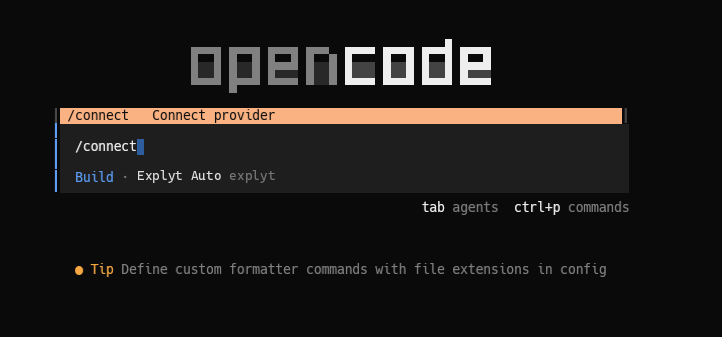
-
Choose
explyt(or another name you specified in the config)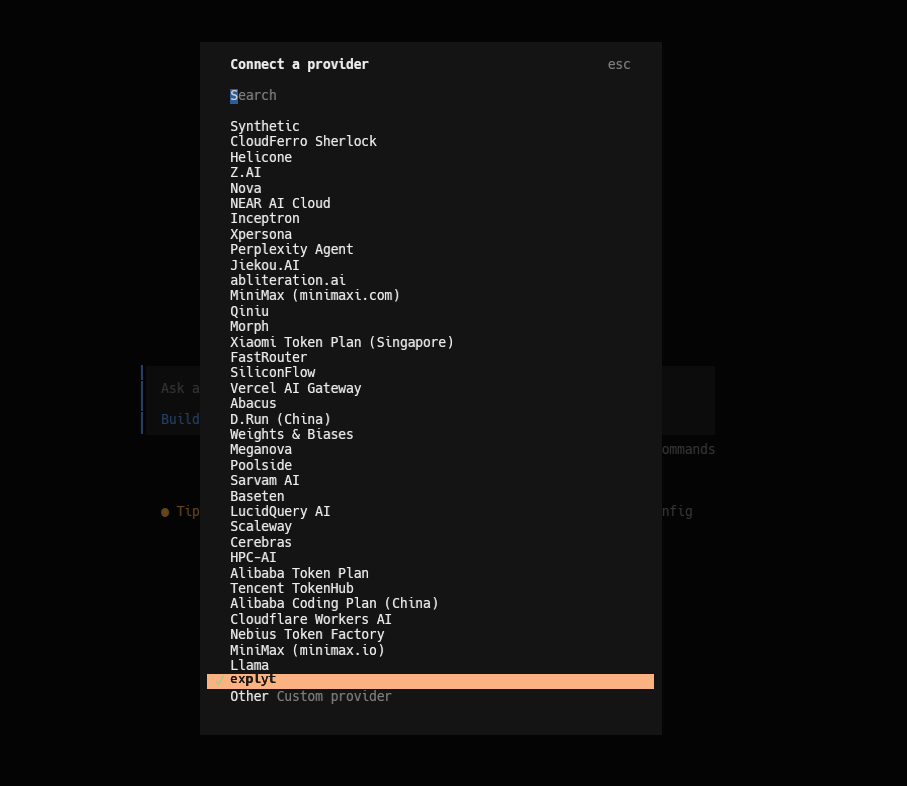
-
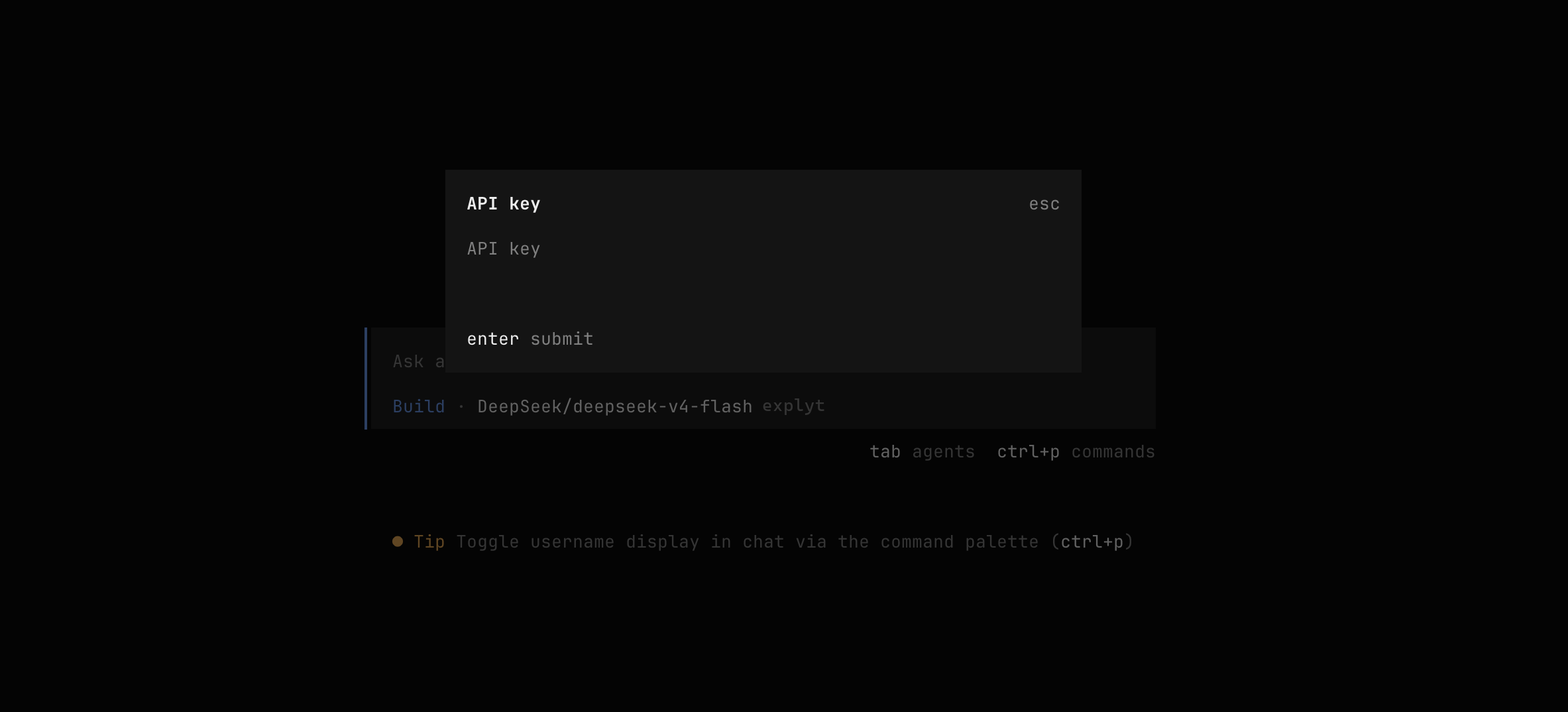
Enter the API key issued to you
- If you see these instructions but do not have an API key, contact your organization's administrator
For errors, see Error messages.