Connecting in Explyt
- Initial setup
- Change key or model
-
Open Explyt using the icon on the right
- If the
Explyt Setupwindow did not open, go to the Change key or model tab
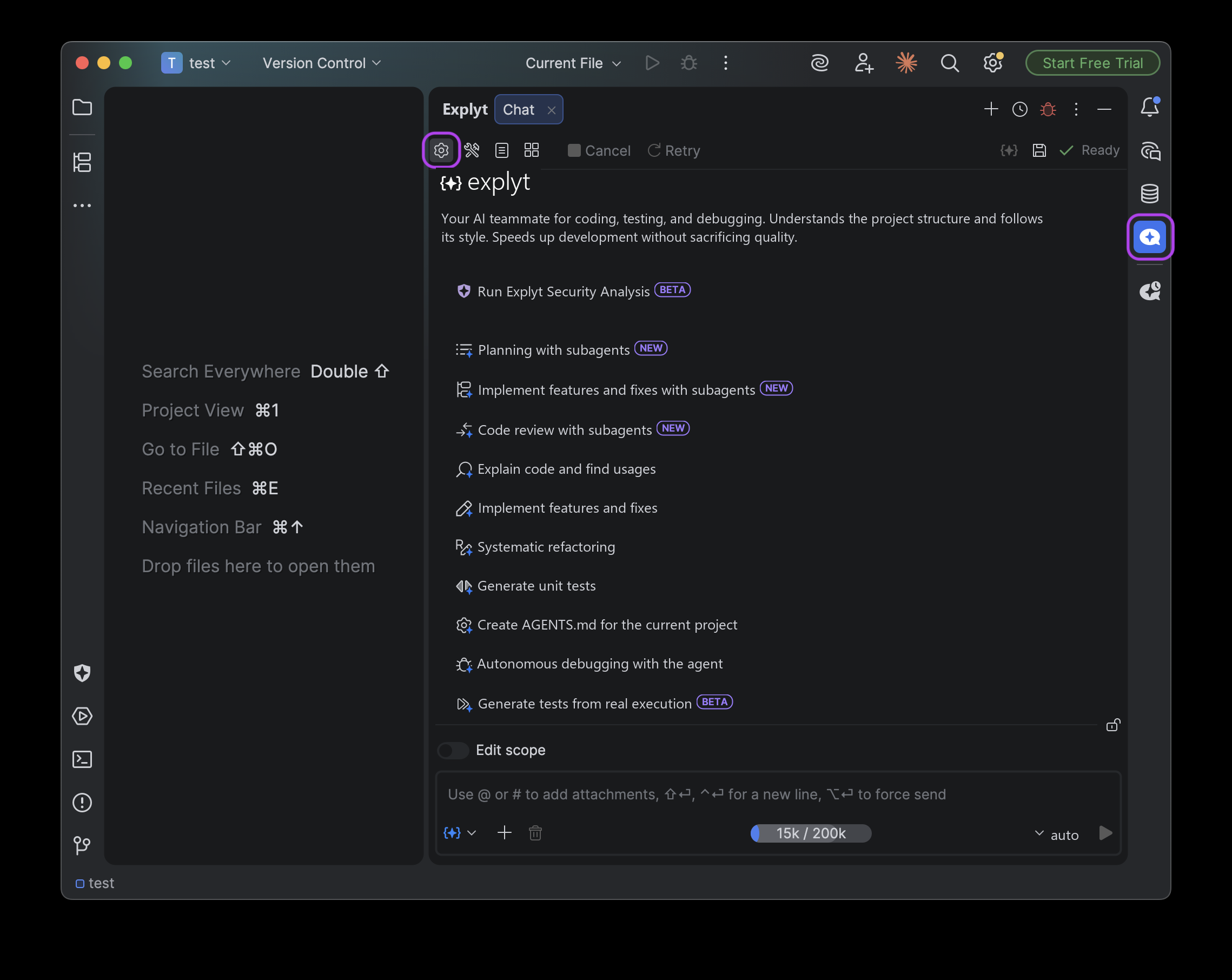
- If the
-
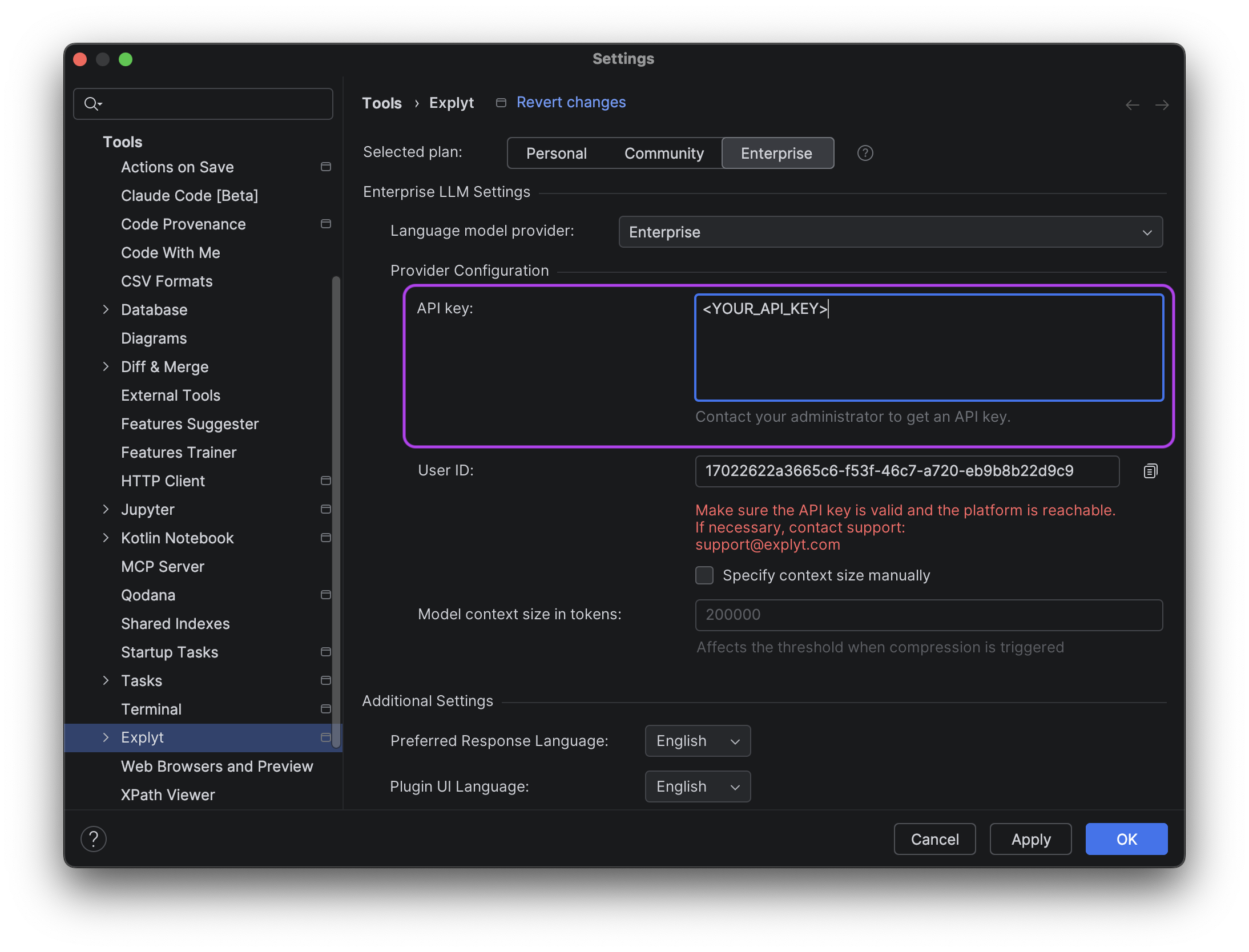
Choose the Enterprise plan
-
Replace
<YOUR_API_KEY>with the API key issued to you- If you see these instructions but do not have an API key, contact your organization's administrator
-
Choose one of the suggested models
auto– maximum availability (uptime) and high qualityAnthropic/opus-5– Anthropic model with high-quality answersOpenAI/gpt-5.6-sol– general-purpose OpenAI model
-
Click Continue
You can change the key and the model at any time in the plugin settings.
-
Open Explyt using the icon on the right
-
Go to the settings
-
Choose the Enterprise plan
- You can skip this step if you have set up the plan before
-
Replace
<YOUR_API_KEY>with the API key issued to you- If you see these instructions but do not have an API key, contact your organization's administrator
- You can skip this step if you have entered the key before
-
Choose one of the suggested models
auto– maximum availability (uptime) and high qualityAnthropic/opus-5– Anthropic model with high-quality answersOpenAI/gpt-5.6-sol– general-purpose OpenAI model
For errors, see Error messages.