Connecting in Kilo Code
-
Open the Kilo Code settings
-
In the settings, find Providers, then Custom Provider, and click Connect
-
Fill in the provider settings:
- Display name — any name you like
- Base URL — the OpenAI-compatible URL issued to you
- If you see these instructions but do not have an OpenAI-compatible URL, contact your organization's administrator
- API Key — the API key issued to you
- If you see these instructions but do not have an API key, contact your organization's administrator
-
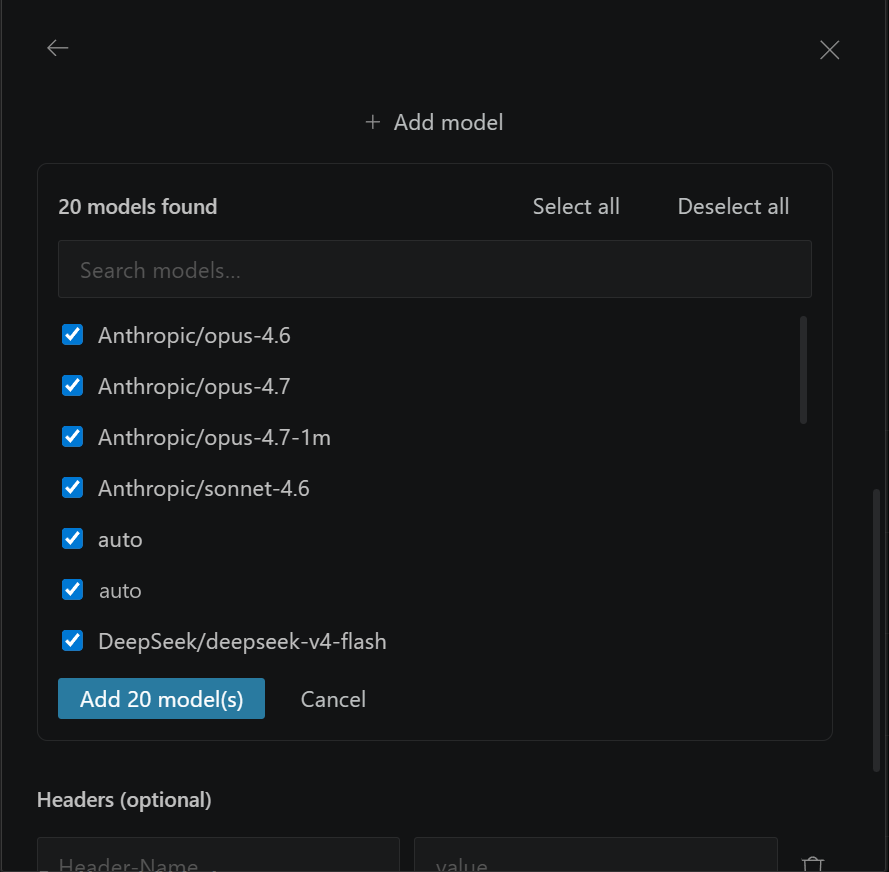
Choose the models you want to use. Kilo Code loads the list of available models automatically; if you wish, you can turn off the models you do not want to use. Click Add X model(s)
-
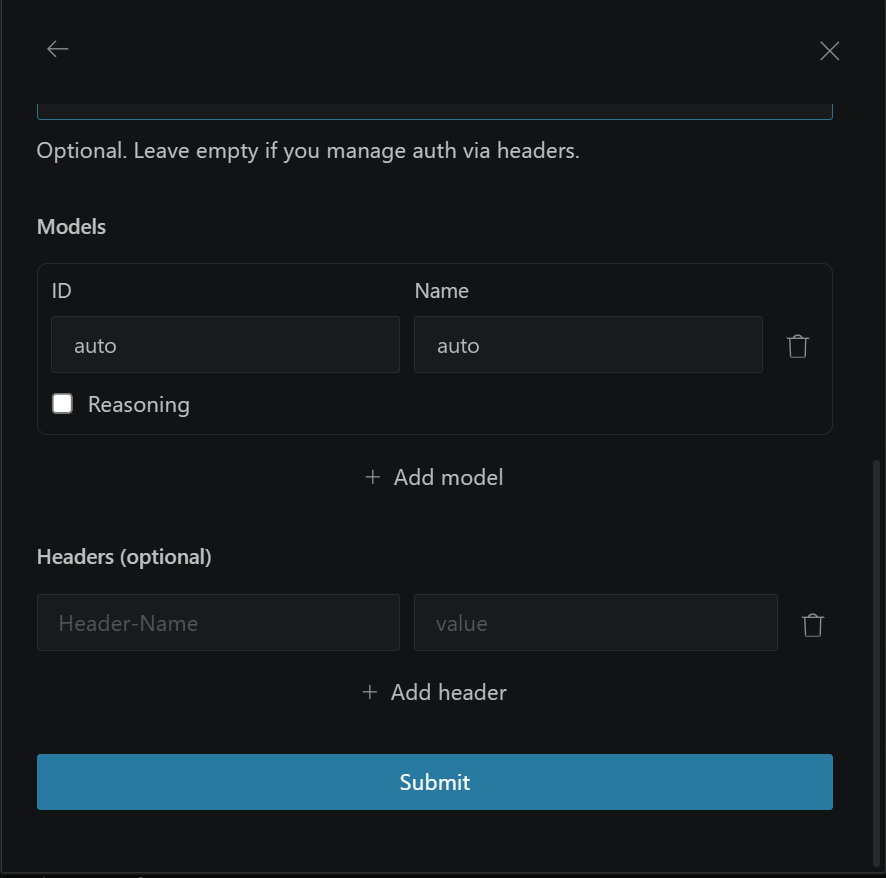
Click Submit. The setup is complete!
-
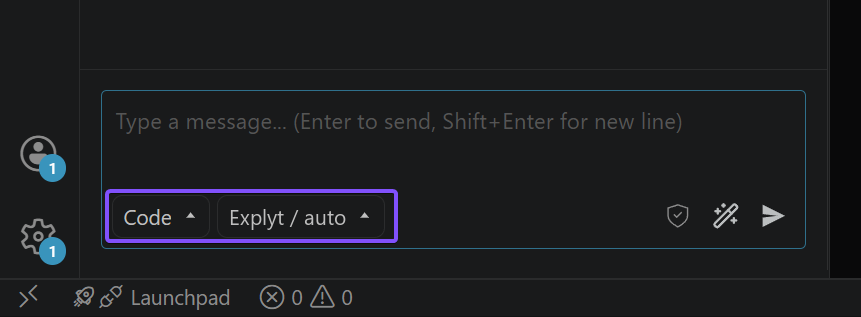
Choose a model from the added list
For errors, see Error messages.