What's New in Explyt 5.11
Explyt 5.11 adds vulnerability search across the codebase, support for running tests and builds in Rider and WebStorm, lifts the MCP tool limit, and keeps long chats from breaking.
Vulnerability search
You can now scan the entire project for vulnerabilities with one click: SQL injections, XSS, SSRF, and more. Pass findings to the agent, and it will fix the code, explain the problem, or help you decide whether it's worth addressing.
Vulnerability search works fully offline. Your code is never sent anywhere.
When it's useful: you wrote code with AI and want to make sure there are no critical holes before committing. Or you're auditing an existing repository: found problems, quickly fixed them, made a PR.
Currently available for Java and Kotlin in IntelliJ IDEA, OpenIDE, GigaIDE, and Android Studio. We're working on support for other languages.
Running tests and builds in Rider and WebStorm
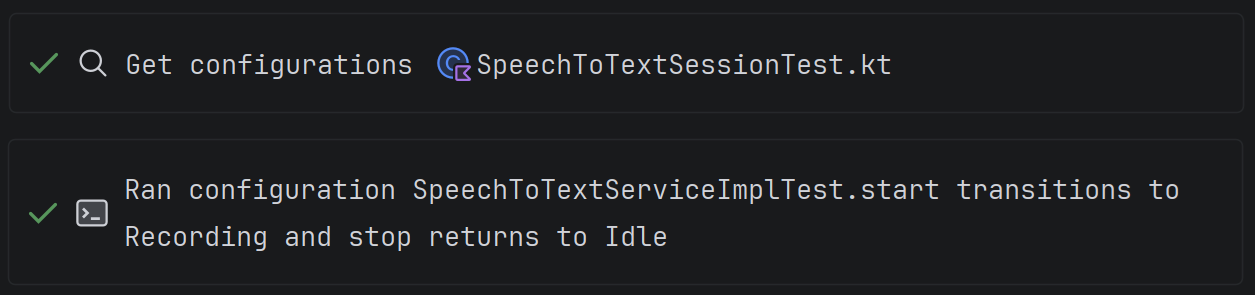
The agent can now run tests and builds in Rider and WebStorm, just like pressing the Run button in the IDE. It doesn't need to fall back to the terminal or guess commands. It uses project settings from the IDE and gets structured results.
In Rider, you can run tests (without building the project for now). In WebStorm — npm, Jest, Vitest, Cypress, and Playwright.
When it's useful: you asked the agent to write code and want it to run the tests itself to make sure everything works.
MCP servers with unlimited tools
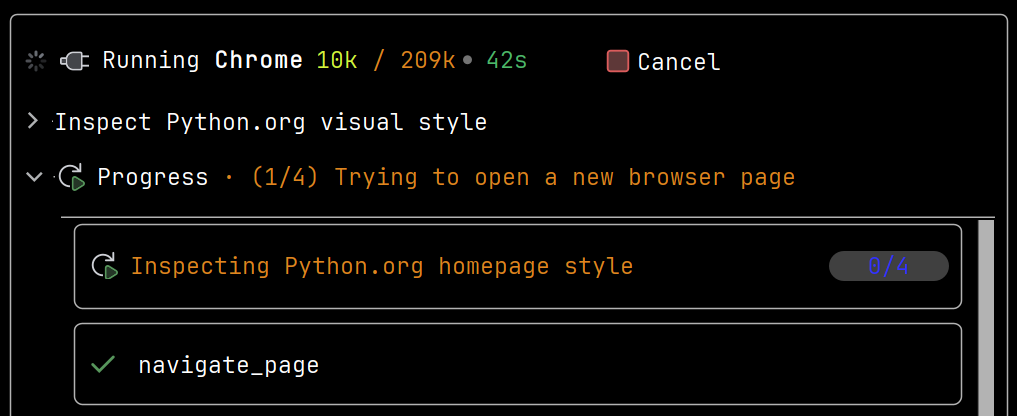
Previously, several connected MCP servers could take up the entire tool limit, and the agent would stop working. Now this restriction is lifted: connect as many servers as you need, and the plugin will figure out how to work with them.
No configuration needed. Everything works automatically.
When it's useful: you use several MCP servers (GitHub, Jira, Confluence, and others) and previously ran into the agent refusing to work because of the tool limit.
Long chats no longer break
If you work with the agent for a long time, the model's context window fills up and the chat breaks. Built-in compression didn't always help. Now, when it's not enough, the plugin sends the history to an LLM and gets a compact summary of the entire previous conversation, and the chat keeps working.
Everything happens automatically. No action needed on your part.
When it's useful: you're having a long conversation (20+ messages), working with a large codebase, and don't want the agent to suddenly stop responding.
Agent reads library code in Python
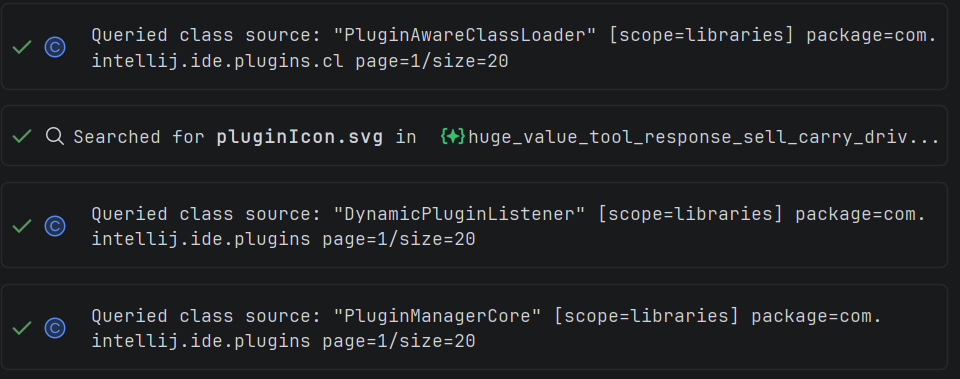
In PyCharm, the agent can now look into the code of installed libraries, like a developer opening a dependency's source code through the IDE. It sees the actual signatures and behavior of the specific library version, rather than guessing.
This previously worked only in IntelliJ IDEA and Rider. Now it's available for Python as well.
When it's useful: you ask the agent to understand an unfamiliar class from an external library. It will find the source code on its own and won't hallucinate.
Contact us at support@explyt.com to share feedback or submit a feature request.