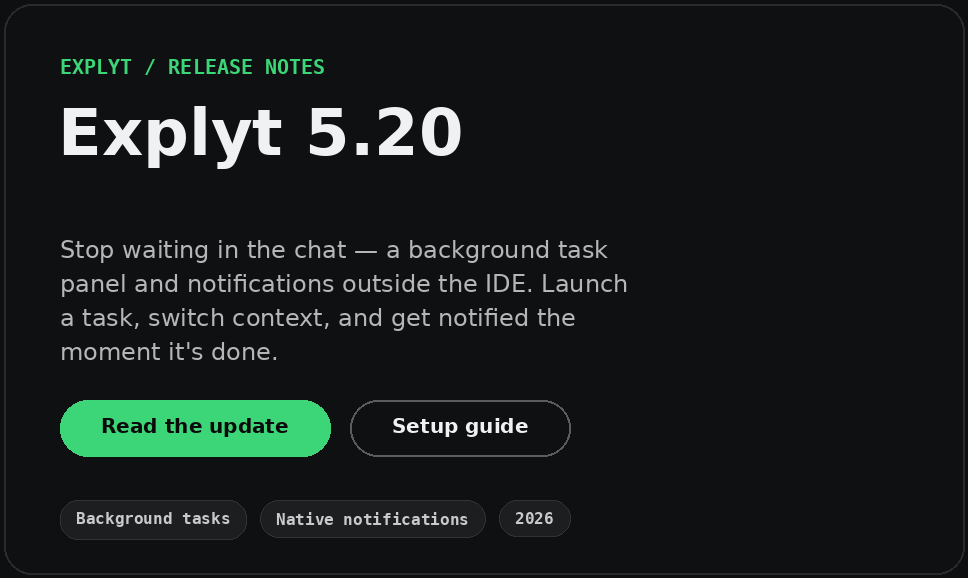
Explyt 5.20 collects terminal commands, run configurations, and subagents in one background task panel, adds macOS, Windows, and Linux system notifications, frees Memory Bank space in two stages, and removes brief interface freezes.
Live sessions from the Explyt team for senior Java and Kotlin developers: how to get predictable results from AI coding agents in JetBrains IDEs. Every webinar comes with written notes and an extended guide.
Sergey Pospelov's full session, 28 September 2026: three context anti-patterns, SDD + TDD, review loops with a hard stop, subagents, and the live demo in IntelliJ IDEA.
Explyt 5.20 collects terminal commands, run configurations, and subagents in one background task panel, adds macOS, Windows, and Linux system notifications, frees Memory Bank space in two stages, and removes brief interface freezes.
Explyt 5.19 opens subscription minutes to Claude Code, Cursor, Codex, Cline, OpenCode, and Kilo Code through an OpenAI-compatible gateway, fixes the context indicator, and renews MCP server tokens automatically.
AI coding agents in JetBrains IDEs report commits, files and green builds that never happened. Documented cases, the mechanisms behind them, and the one-minute checks that catch each one.
Generation got faster, delivery didn't. Time moved into requirements, verification, security and release, where humans bottleneck.
Explyt Team8 min read5.0
Why choose Explyt?
Feature
/
Debugger
Yes
⚠️
Ultimate only
No
No
No
No
SAST vulnerability scanner
Yes
No
No
No
No
No
IDE refactorings (Rename, Change Signature…)
Yes
No
No
No
No
No
Test coverage guarantees
Yes
Coverage gates
No
No
No
No
No
Semantic code model (types, find-usages)
Yes
Full code model
Yes
⚠️
LSP
No
⚠️
LSP
No
Reads dependency source
Yes
No
⚠️
LSP
No
No
No
Auto-review of generated code
Yes
⚠️
Via verify
⚠️
/review
⚠️
PR only
No
No
Context compression
Yes
No
Yes
No
No
Yes
Multi-IDE support
⚠️
JB only
⚠️
JB only
Yes
Yes
Yes
Yes
Pricing (all top models)
$15-200/mo
Credit-based
$20–200/mo
$20–60/mo
$10–39/mo
BYOK
What IDE-native AI feels like
“
What impressed me most is how well the agent understands the existing project. Its plans fit naturally into what is already built, even when I am working outside my usual tech stack.
Methodology, SDD + TDD, feedback loops, and subagents — a practical framework for getting predictable results from AI coding agents. For senior Java developers and team leads using JetBrains IDEs.
Explyt 5.20
Explyt 5.20: stop waiting in the chat — a background task panel and notifications outside the IDE


 Explyt Team24 Sept 20267 min read