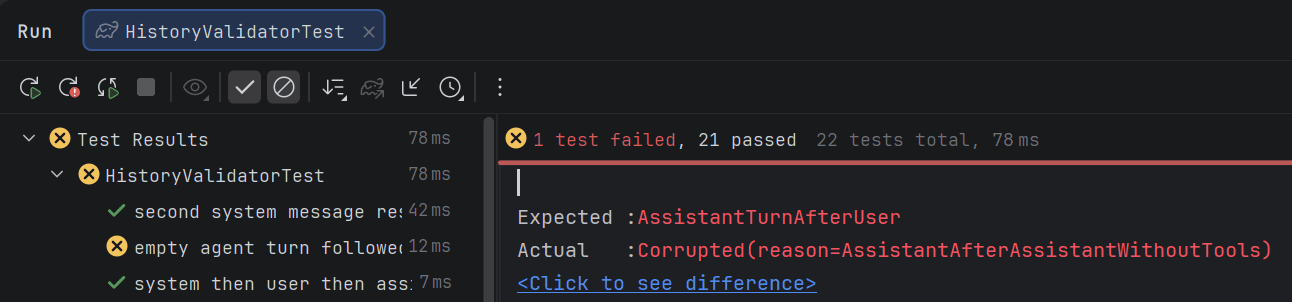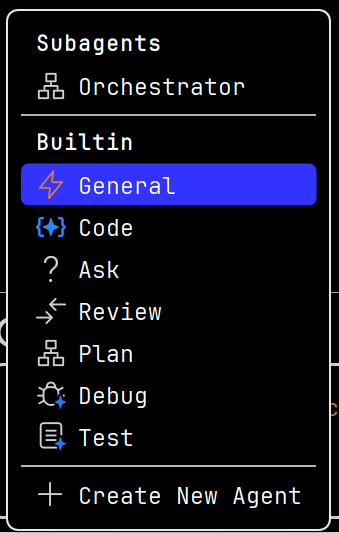
Explyt 5.8 🚀 teaches AI agents the IDE basics: debugging, refactoring, and run configurations

Empowered with an AI agent

Install Explyt plugin

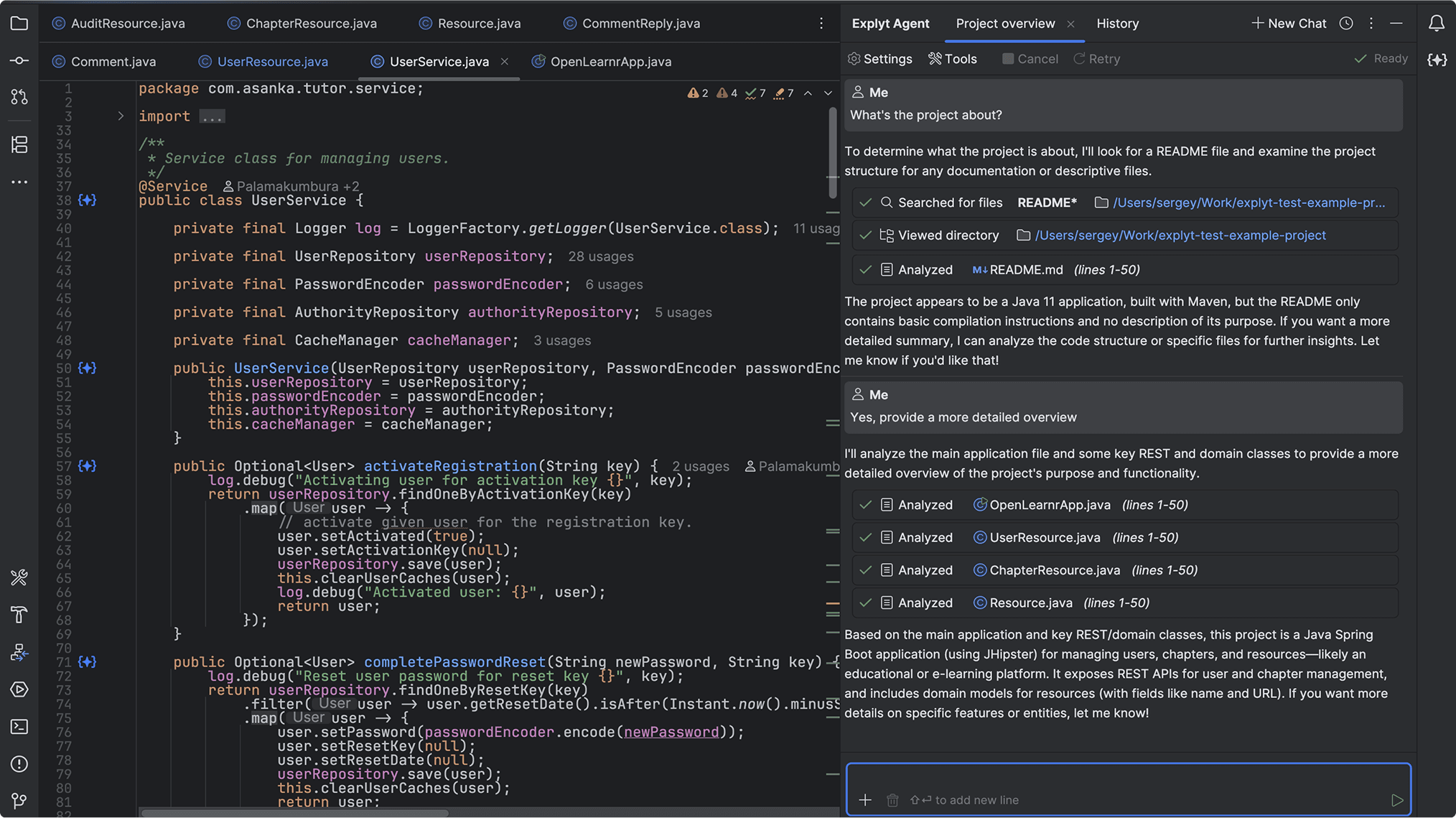
A cutting-edge tool for coding, testing, and debugging with support for MCP servers and test generation from execution. Increases test coverage, integrates tests into the existing code base, understands the project structure, and follows its style.

Explyt 5.7

Explyt 5.8

Choose a plan that works best for you

Pay for model runtime, not for your time or abstract tokens. The subscription includes 140 minutes of model runtime - enough for a month of work with several parallel agents.

Community

A plan for those who use their own key to LLM providers: OpenAI, DeepSeek, Anthropic, Google Gemini, and Ollama.

all Explyt plugin features

technical support

use your own API keys to work with top LLM providers: OpenAI, DeepSeek, Anthropic, Google Gemini, and Ollama

Personal

Access to top LLMs and all Explyt capabilities with a 50% discount.

access to leading language models: GPT 5.4, Gemini 3.1 Pro, GLM 5, MiniMax 2.7

140 minutes of model runtime every month from the moment the plan is activated

flexible option to purchase extra minutes when needed

basic support with SLA

$30

/month

30 days free

Enterprise

A business solution that ensures your data security through VPC or self-hosting. Submit a request at sales@explyt.com.

Installation Guide

Install via repository

❇️ Works with IntelliJ IDEA, PyCharm, GoLand, Rider, PhpStorm and WebStorm 2024.3+

Run IntelliJ IDEA, PyCharm, GoLand, Rider, PhpStorm or WebStorm 2024.3+ and connect Explyt repository
Instruction background
Instruction screenshot

1. In the Settings (Preferences), switch to Plugins and click the Settings icon.
2. Check the Update Plugin Automatically box and open the Manage Plugin Repositories menu.
3. In the drop-down window choose «+», and paste this link:

https://repository.explyt.dev

⚠️ If you don't see Explyt in the search results in your IDE, please ensure there is no extra whitespace before or after the URL https://repository.explyt.dev, and that you are using IntelliJ IDEA, PyCharm, GoLand, Rider, PhpStorm or WebStorm 2024.3+.

Install Explyt plugin
Instruction background
Instruction screenshot

1. Switch to the Marketplace page.
2. Enter Explyt and press Install.
3. Press Restart IDE and confirm your choice.

⚠️ Make sure to choose Explyt – the plugin with an AI agent for coding, testing, and debugging. If you don't see Explyt in the search results in your IDE, please ensure that you are using IntelliJ IDEA, PyCharm, GoLand, Rider, PhpStorm or WebStorm 2024.3+.

Done!

User guide

First launch and plan selection
Instruction background
Instruction screenshot

When launching the plugin for the first time, you can choose between the Personal and Enterprise versions. If you choose the Personal plan, the first 30 days will be free for you and you will receive 100 minutes.

After the trial period ends, or if you run out of minutes, you can activate a subscription or purchase Flex minutes.

Credits, subscription, and switching between versions
Instruction background
Instruction screenshot

When you activate the trial on the Personal plan, the Settings show the number of available minutes and the trial expiration date.

If your trial period ends or you run out of minutes, you can activate a subscription or buy Flex minutes, which do not expire. To do this, go to your personal account via the Get more credits button or the app.explyt.ai link and top up your minute balance. After the 30-day trial period ends, any remaining subscription minutes do not carry over to the next period.

In Settings, you can always switch from the Personal version to the Enterprise or Community version.

How to top up balance?
Instruction background
Instruction screenshot

1. Sign in to your account at app.explyt.ai
2. Activate your subscription and get a 50% discount
3. Top up your Flex minutes balance by choosing one of the packages: 25, 250, or 2500 minutes

How does the subscription work, and what does it include?

• When the subscription is activated, 140 minutes are added. Every thirty days, the number of minutes is reset to 140. Unused minutes do not carry over.
• If the subscription is canceled, it remains active until the end of the paid 30-day period.
• If all minutes are used before the end of the subscription period, you can purchase a Flex minutes package.

How are requests billed?

According to our statistics, a developer completes around 180 requests to an LLM during a working day on average. With an average duration of about 10 seconds per request, this is roughly 30 minutes of actual LLM compute per day. The base cost of compute without a package is $0.5 per minute.

1 minute of compute at the subscription price costs just $0.25. That's a 50% saving.

You only pay for pure API runtime, not for waiting.

What are the Flex minutes?

• Flex minutes do not expire. In your account, you can buy a package of 25, 250, or 2500 Flex minutes.
• These minutes are shown separately from your subscription balance. If a subscription is active, subscription minutes are used first, followed by Flex minutes.

Still have questions?

support@explyt.com