
Is your AI agent debugging legacy Java through logs?
It adds prints, reruns, reads the output, and guesses again — while the bug wins.
Give it a real debugger ↓A loop that never converges.
Every rerun burns tokens. The value, caller or branch that actually broke stays hidden.
An agent with native access to the IDEA debugger.
It drives the debugger, reads real runtime state, and reasons from facts — even in IDEA Community.
temporary demo · Explyt vs. Cursor comparison coming soon
Same bug. Different access.
A text-first agent rebuilds runtime state from logs. Explyt asks IDEA directly.
Give Explyt one failing test.
Watch it break, inspect, and fix — then compare with the agent you use today.

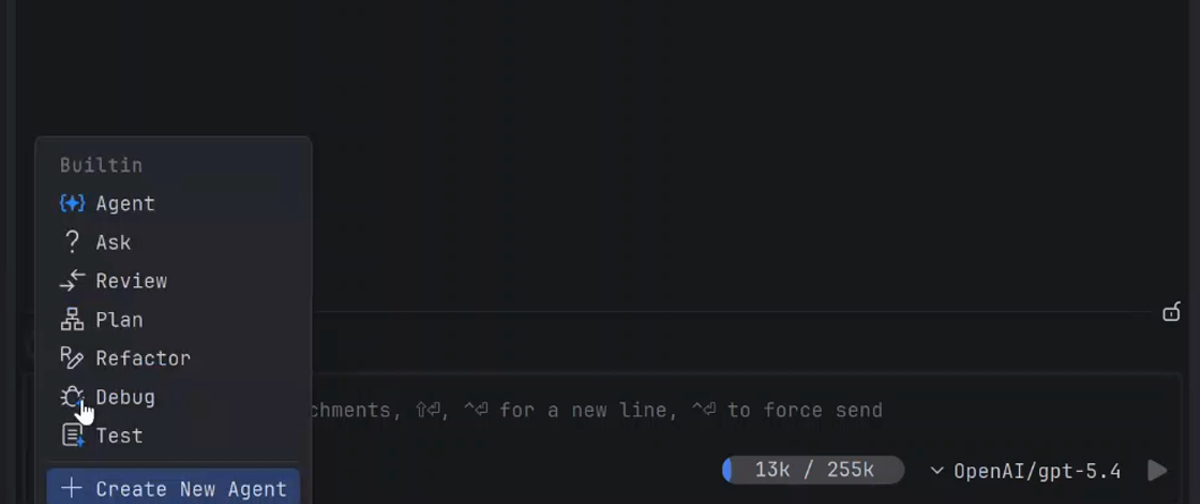
Choose Debug mode
Switch the agent to Debug in IDEA.
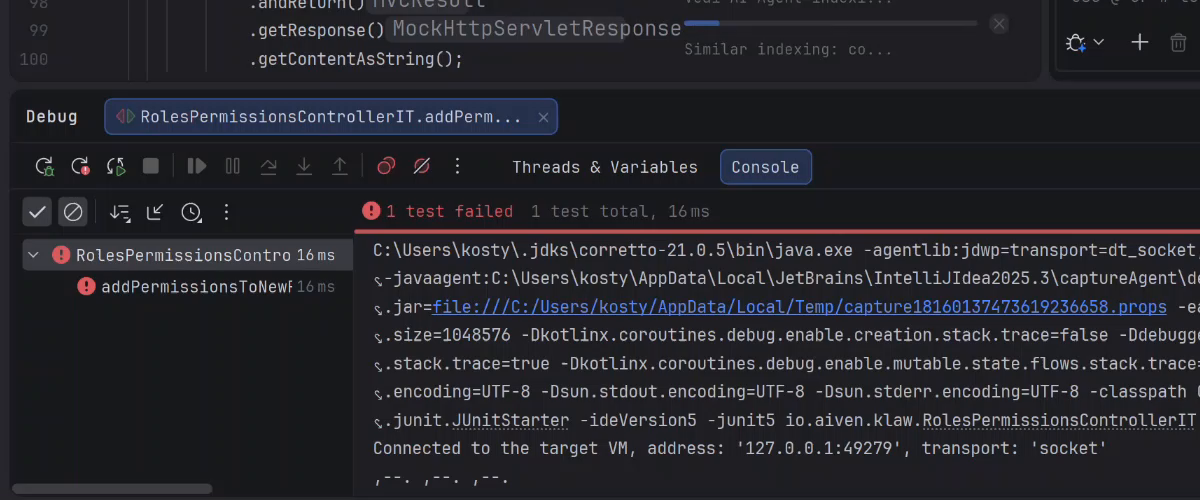
Give it the bug
Point it at one failing test.
What IDE-native debugging feels like.
What impressed me most is how well the agent understands the existing project. Its plans fit naturally into what is already built, even when I am working outside my usual tech stack.

Senior Analyst Developer · DXC Technology
LSP gives an agent coordinates; the full IDE gives it the project model. That native IDE context makes all the difference on real Java code.

Software Architect & AI Board Lead · Siemens
IDE-native stepping makes the difference on stateful Java applications.

Software Engineer